


Digiroot Stylus Pen for iPad 2018-2026, iPad Stylus, Palm Rejection

We may earn a commission. Price and availability can change after publication.
Report incorrect price or availabilityPrice history
Recorded from verified retailer catalog checks. Price and availability can still change at checkout.
Claim the offer with confidence
Confirm the selected product and final price at the retailer before completing checkout.
One quick check
- Open the deal page at Amazon and confirm the listed variation/size.
Price summary
| Current price | $24.99 |
|---|
What makes this deal worth a look
【Alternative to Apple Pencil USB-C】This iPad pencil merges the essential functionalities of the original Apple Pencil USB-C. It includes a hidden charging port and magnetic sliding for protection and easy charging, ❎Note: Slide gently upward to expose the port
【Fast Charging and Long Use Time】Charges in 25 minutes for 21 hours use. Enters sleep mode after 10 minutes of inactivity to save power
【Palm Rejection & Super Magnetic Attraction】Our stylus pen for iPad with Palm Rejection function lets you rest your hand on the screen without accidental touches, no gloves required. The upgraded built-in magnet in the iPad Pen offers stronger attraction than the original Apple Pencil and firmly attaches to the side of iPad, ✅ including the iPad 10 - a unique advantage not found in other styluse. This enables easy…
【Tilt Sensitivity & High Responsive】This upgraded stylus pen features a 1.5mm tip with high responsiveness, allowing you to handle finer details without any delay, breakpoint, or interruption. Different angles of our iPad pencil create varying lines for more natural writing and drawing, but it doesn't support pressure sensitivity
【Compatible with iPad & iPad Pro2018 -2026】Compatible with iPad & iPad Pro (2018-2026) models including iPad A16/10th/9th/8th/7th/6th Gen, iPad Pro 11", iPad Pro 12.9" 6th/5th/4th/3rd Gen, iPad Pro 13" M5/M4, iPad Mini A17 Pro/6th/5th Gen, iPad Air 5th/4th/3rd Gen, iPad Air 11" M4/M3/M2, iPad Air 13" M4/M3/M2, Check compatibility before ordering
Show more product details
【How to Use this Pencil】This iPad pen doesn't have Bluetooth. Single press the side button to turn it on/off without Bluetooth. If it's not working, disable Bluetooth in your iPad settings (Settings > Bluetooth > Turn off Bluetooth) or disconnect from Apple Pencil (Settings > Bluetooth > Apple Pencil > tap "i" > Forget this device)
【Ideal Christmas Gift】Perfect gift option, not only for gifting to family and friends but especially for those who are enthusiastic users of the iPad
Explore More Savings Topics
Keep browsing verified offers selected for value and relevance.
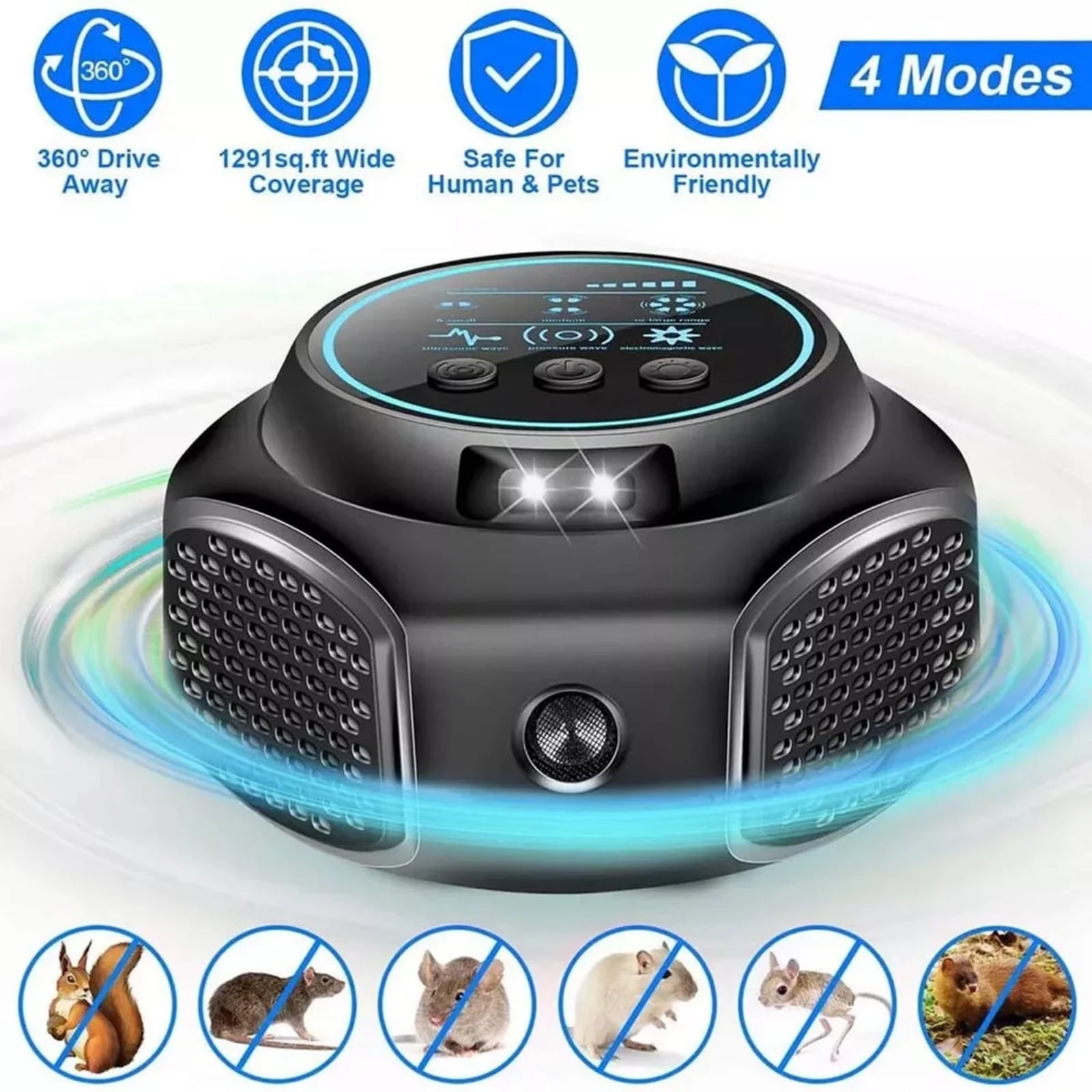
- Mouse Deterrent Ultrasonic Pest Repeler 4-Modes Best Thing to Get Rid of Mouse Repelent Indoor Mouseblocker for House Attic Garage Warehouse Rvs$24.99
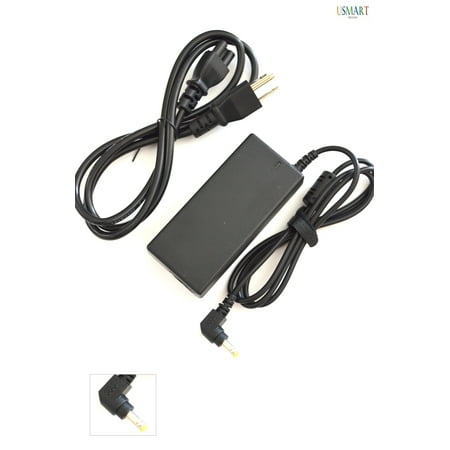
- Usmart New AC Power Adapter Laptop Charger For Asus N53Sv-Xe1 Laptop Notebook Ultrabook Chromebook PC Power Supply Cord 3 years warranty$24.99
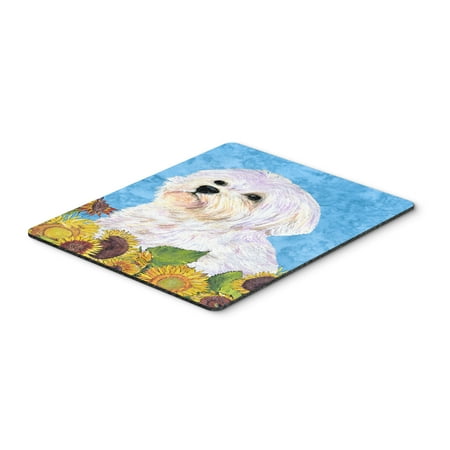
- Maltese in Summer Flowers Mouse Pad Hot Pad or Trivet$25.21
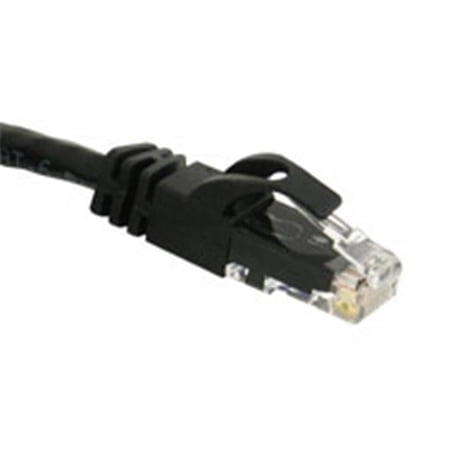
- 50ft CAT 6 550Mhz SNAGLESS PATCH CABLE BLACK$27.07
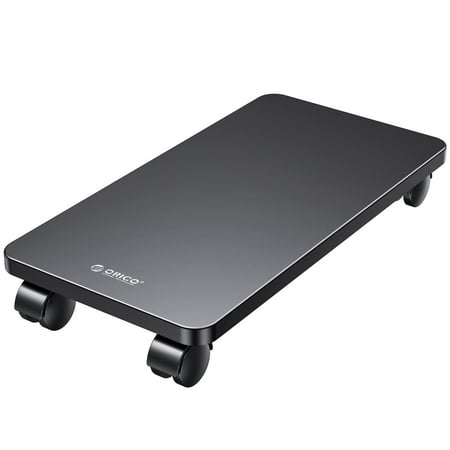
- ORICO Mobile CPU Stand with Wheels Black Gaming PC Tower Stand Metal Computer Tower Stand Under Desk 16.14*8.38*0.78 inches$20.79
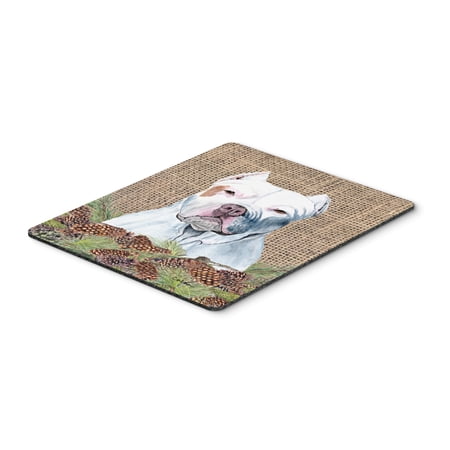
- Pit Bull Faux Burlap and Pine cones Mouse Pad Hot Pad or Trivet$20.52